
AI photo edits that look real.
Transform any photo with AI that feels like magic. Upload a shot, describe the change, and watch it appear in seconds.
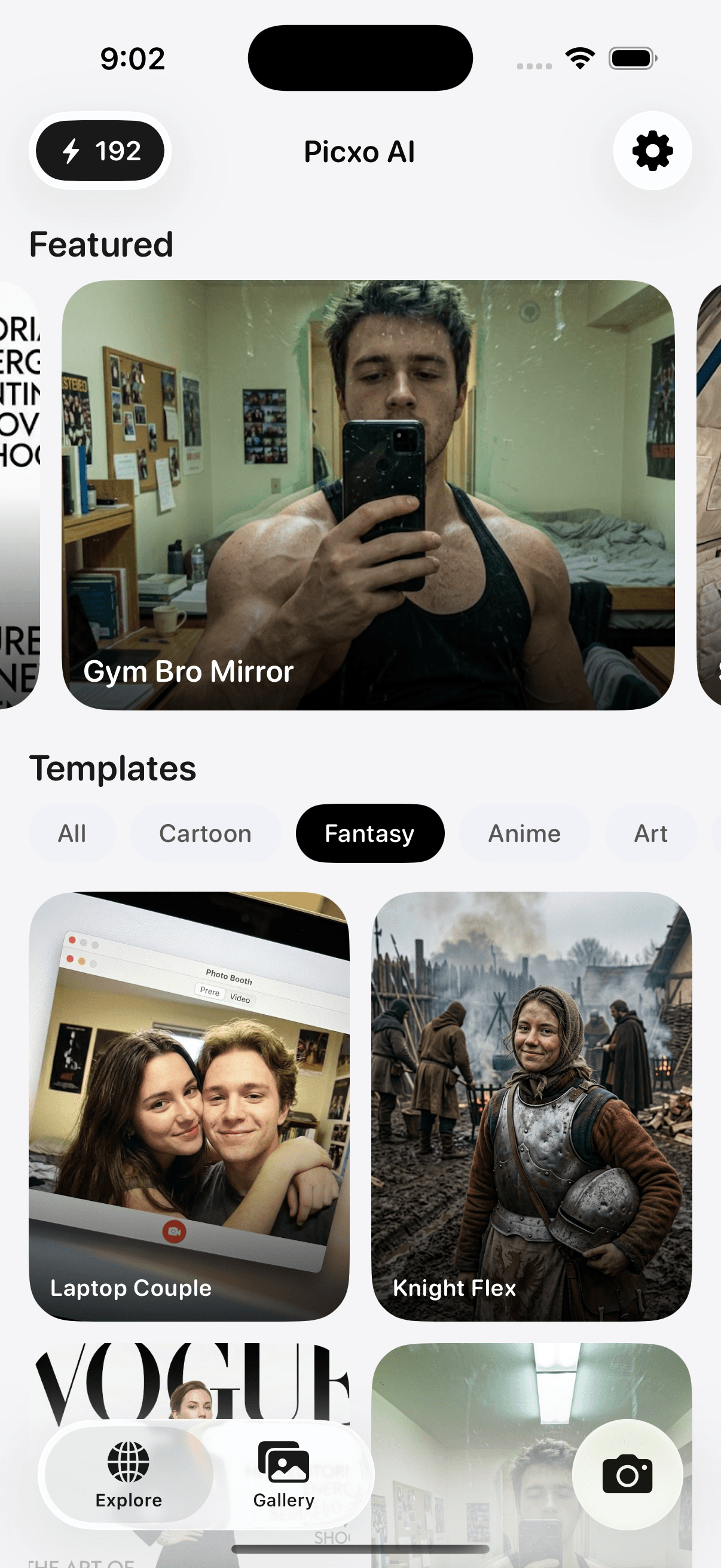
Features
Powerful, simple edits
From a single prompt to finished pixels—built for speed and believable results.
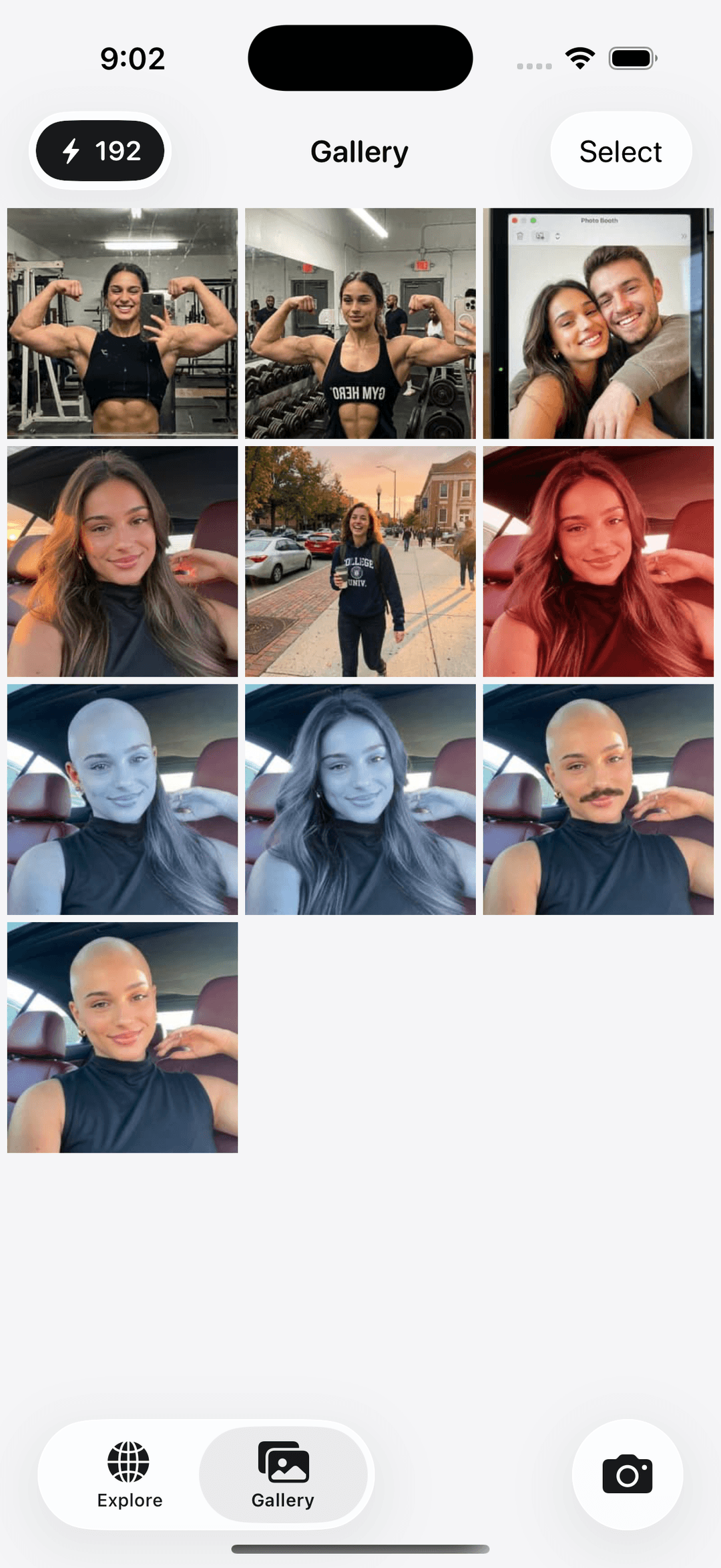
Your gallery
Every edit lives in one place. Scroll your creations, pick favorites, and open any result in full detail.
Download now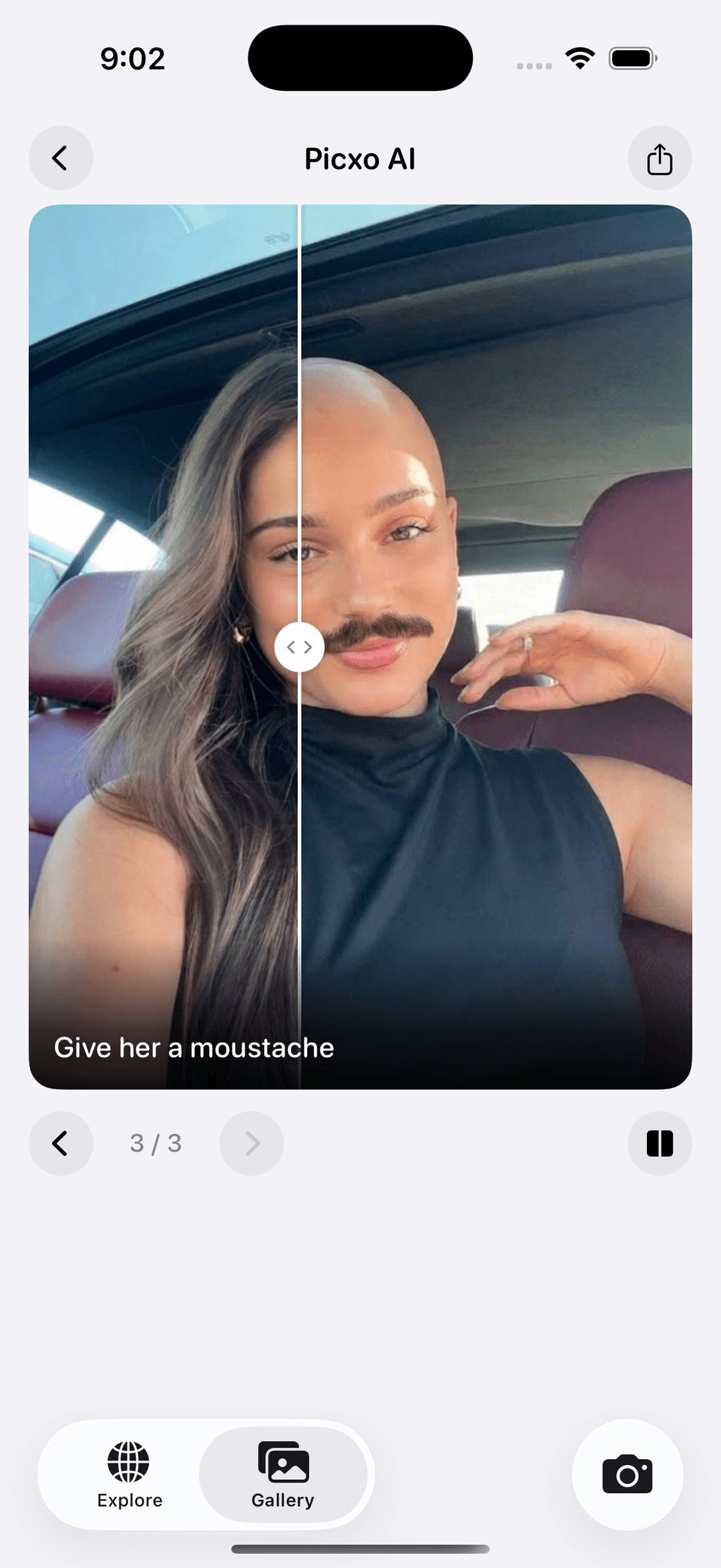
Before & after
Scrub the slider to compare original and result—perfect when you want to see exactly what changed.
Download now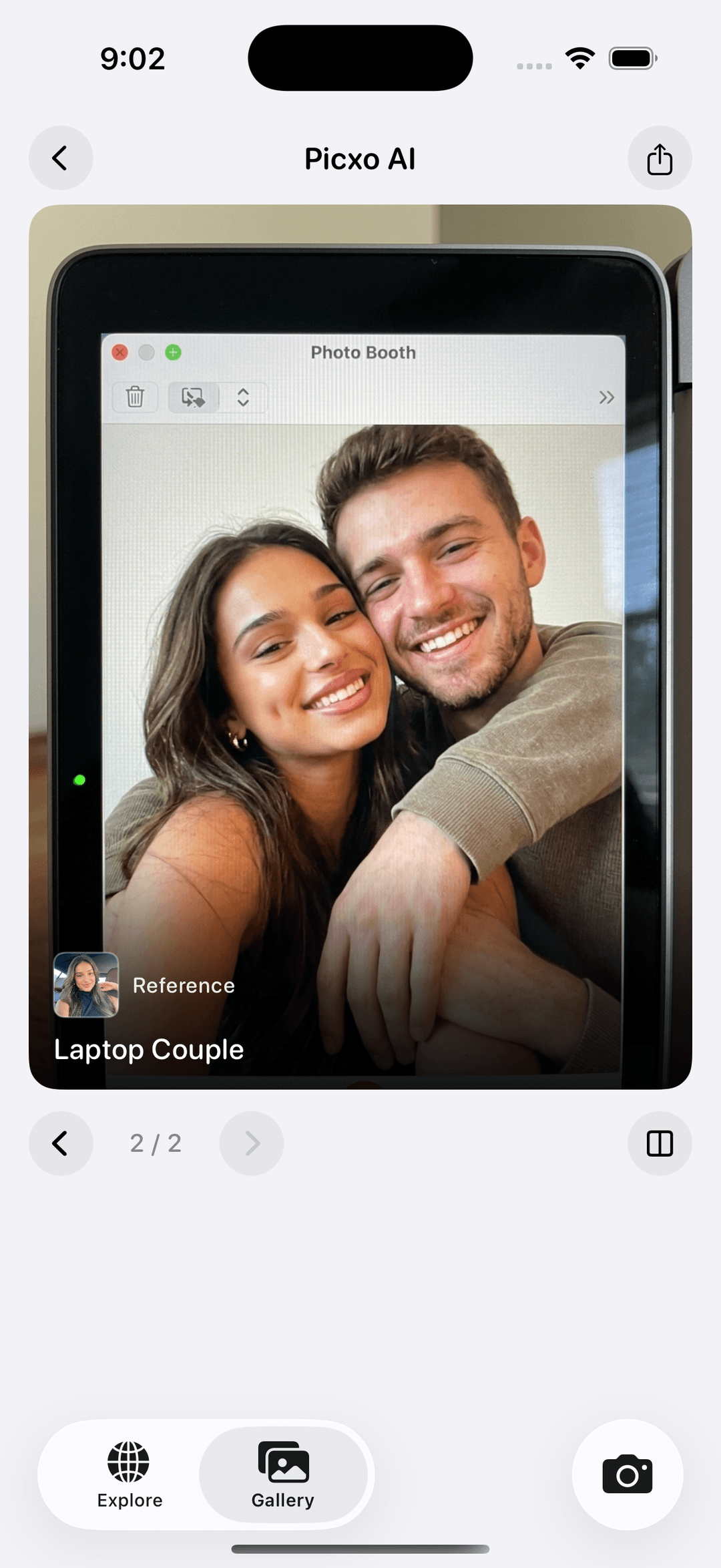
Scene templates
Drop your photo into playful setups—like a laptop photo booth or cinematic scenes—with a clear reference flow.
Download now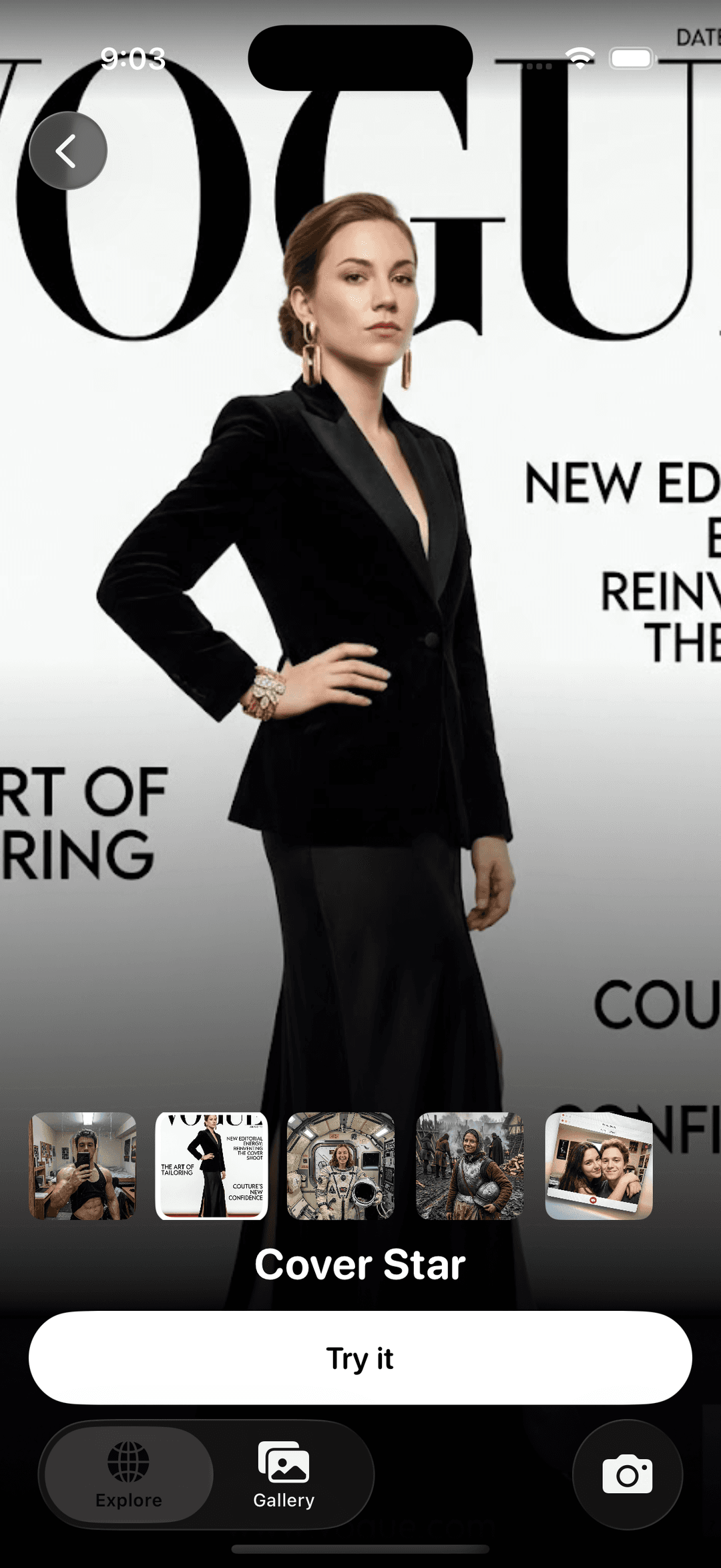
Cover-ready styles
Try magazine-cover energy and bold presets. Preview variants, then tap Try it when one feels right.
Download now
Questions & answers
Quick answers about Picxo AI.
- What is Picxo AI?
- Picxo AI is an iOS app that lets you edit photos with AI. Describe the change you want, upload a photo, and get a realistic result in seconds.
- Is Picxo AI free?
- Picxo AI requires an active subscription to use its editing features. You can download the app from the App Store to see current plans.
- What kinds of photos can I edit?
- You can work with portraits, products, rooms, and more. The app is built for natural-looking edits—retouching, style changes, and creative transformations you describe in words.
- Is my data safe?
- Your photos are processed to deliver edits and are handled according to our Privacy Policy. We use trusted infrastructure providers and do not sell your personal data.
- What devices are supported?
- Picxo AI is built for iPhone. Check the App Store listing for the latest supported iOS version.